Tabs
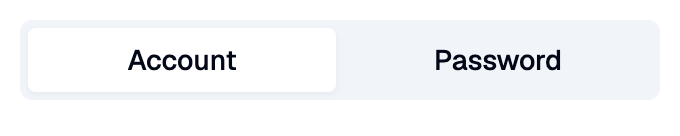
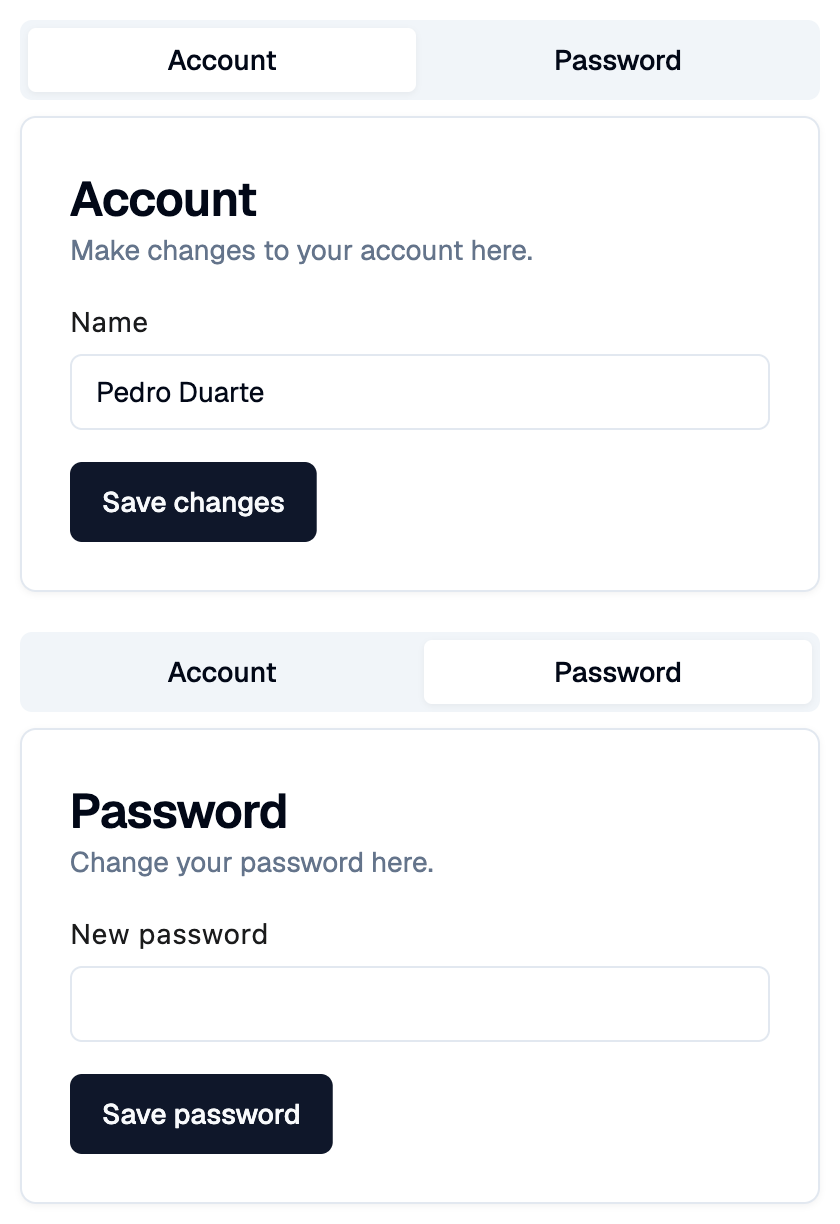
Shadcn tabs: a bar of tab buttons, showing the content of the selected tab below it.
Example:
shad.Tabs(
    value="account",
    tabs=[
        shad.Tab(value="account", label="Account", content=ft.Text("...")),
        shad.Tab(value="password", label="Password", content=ft.Text("...")),
    ],
)
Inherits: LayoutControl
Example
Shadcn Tabs
play_arrowTry Online
import flet_shadcn_ui as shad

import flet as ft


def main(page: ft.Page):
    page.title = "Shadcn Tabs"

    def field(label: str, input: shad.Input) -> ft.Column:
        return ft.Column(spacing=6, controls=[ft.Text(label), input])

    page.add(
        ft.SafeArea(
            content=shad.Tabs(
                width=400,
                value="account",
                tabs=[
                    shad.Tab(
                        value="account",
                        label="Account",
                        content=shad.Card(
                            title="Account",
                            description="Make changes to your account here.",
                            content=ft.Container(
                                padding=ft.Padding.symmetric(vertical=16),
                                content=field("Name", shad.Input(value="Pedro Duarte")),
                            ),
                            footer=shad.Button("Save changes"),
                        ),
                    ),
                    shad.Tab(
                        value="password",
                        label="Password",
                        content=shad.Card(
                            title="Password",
                            description="Change your password here.",
                            content=ft.Container(
                                padding=ft.Padding.symmetric(vertical=16),
                                content=field(
                                    "New password", shad.Input(password=True)
                                ),
                            ),
                            footer=shad.Button("Save password"),
                        ),
                    ),
                ],
            )
        )
    )


if __name__ == "__main__":
    ft.run(main)
Properties
Events
on_changeclass-attributeinstance-attribute
on_change: ControlEventHandler[Tabs] | None = NoneCalled when the selected tab changes.
The data property of the event handler argument
contains the new value.