Sonner
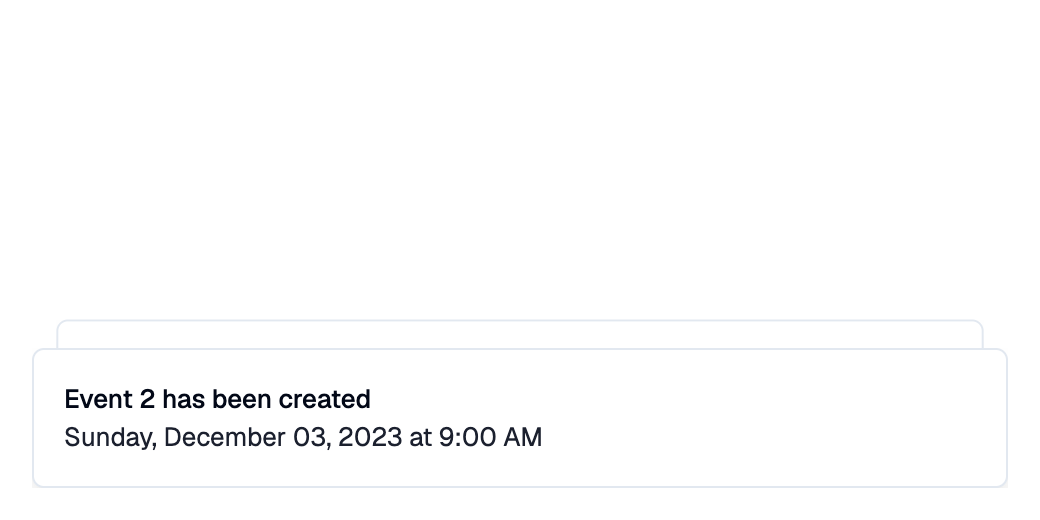
A Shadcn Sonner toast: a notification in the bottom-right corner that
stacks with other Sonner toasts and disappears after duration.
Hovering the stack expands it to show every toast.
Open it with Page.show_dialog.
on_dismiss is called when it disappears,
whether it timed out or was closed by the user.
Example:
page.show_dialog(
    shad.Sonner(
        title="Event has been created",
        description="Sunday, December 03, 2023 at 9:00 AM",
    )
)
Inherits: DialogControl
Example
Shadcn Sonner
play_arrowTry Online
import flet_shadcn_ui as shad

import flet as ft


def main(page: ft.Page):
    page.title = "Shadcn Sonner"

    count = 0

    def add_event(e: ft.Event[shad.Button]):
        nonlocal count
        count += 1
        page.show_dialog(
            shad.Sonner(
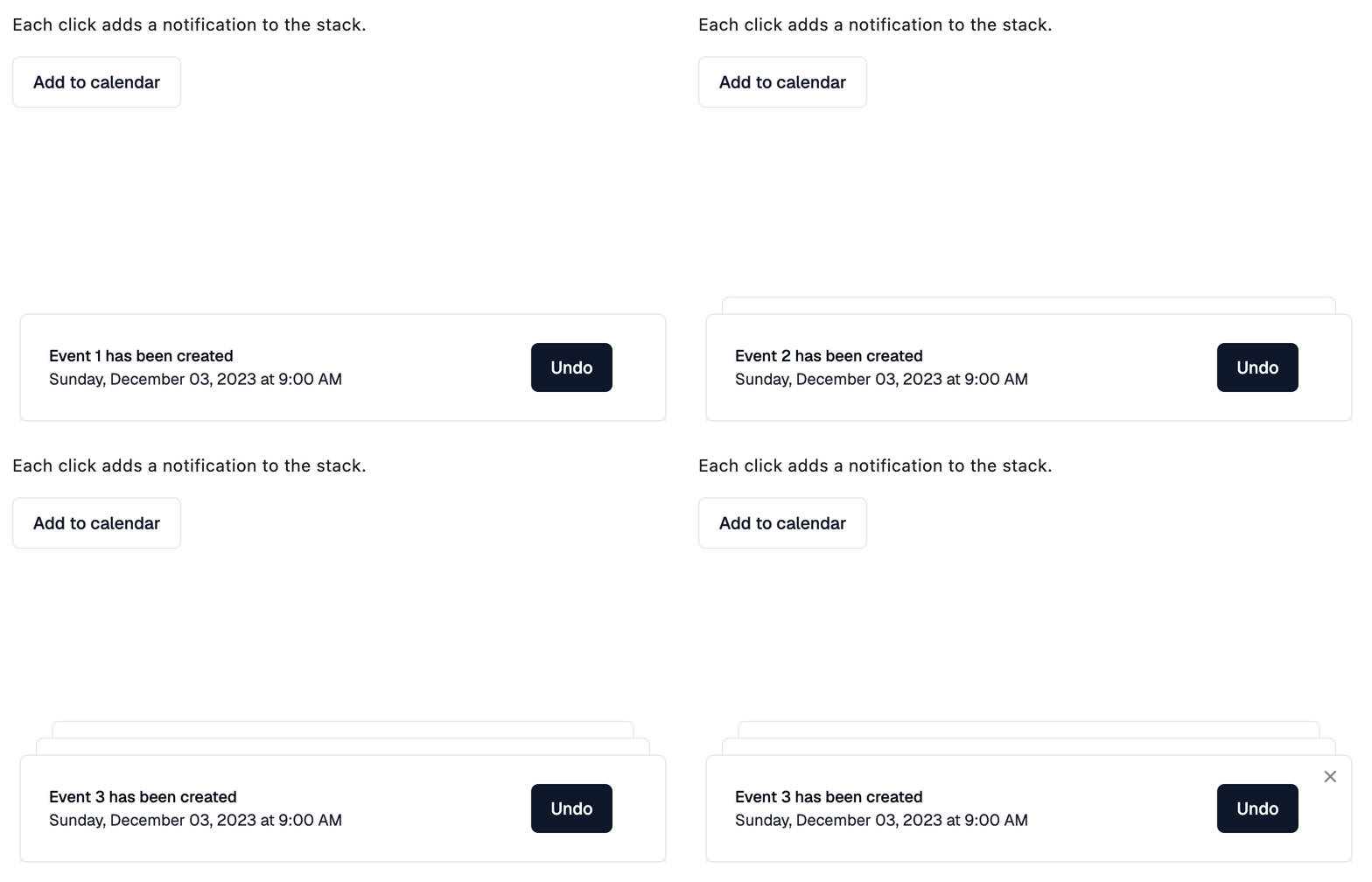
                title=f"Event {count} has been created",
                description="Sunday, December 03, 2023 at 9:00 AM",
                action=shad.Button("Undo", on_click=lambda e: page.pop_dialog()),
            )
        )

    page.add(
        ft.SafeArea(
            content=ft.Column(
                spacing=16,
                controls=[
                    ft.Text("Each click adds a notification to the stack."),
                    shad.Button(
                        "Add to calendar",
                        variant=shad.ButtonVariant.OUTLINE,
                        on_click=add_event,
                    ),
                ],
            )
        )
    )


if __name__ == "__main__":
    ft.run(main)
Properties
actionclass-attributeinstance-attribute
action: Control | None = NoneA control shown next to the text, usually a small
Button such as "Undo".
descriptionclass-attributeinstance-attribute
description: StrOrControl | None = NoneThe text shown below title.
durationclass-attributeinstance-attribute
duration: DurationValue = field(
    default_factory=lambda: Duration(seconds=5)
)
How long the toast stays visible.
variantclass-attributeinstance-attribute
variant: ToastVariant = ToastVariant.PRIMARYThe visual variant of this toast.